ErrorPare
AI-powered error message compression tool that reduces token usage by 60-90% for LLM development tools like Claude Code and Gemini CLI.
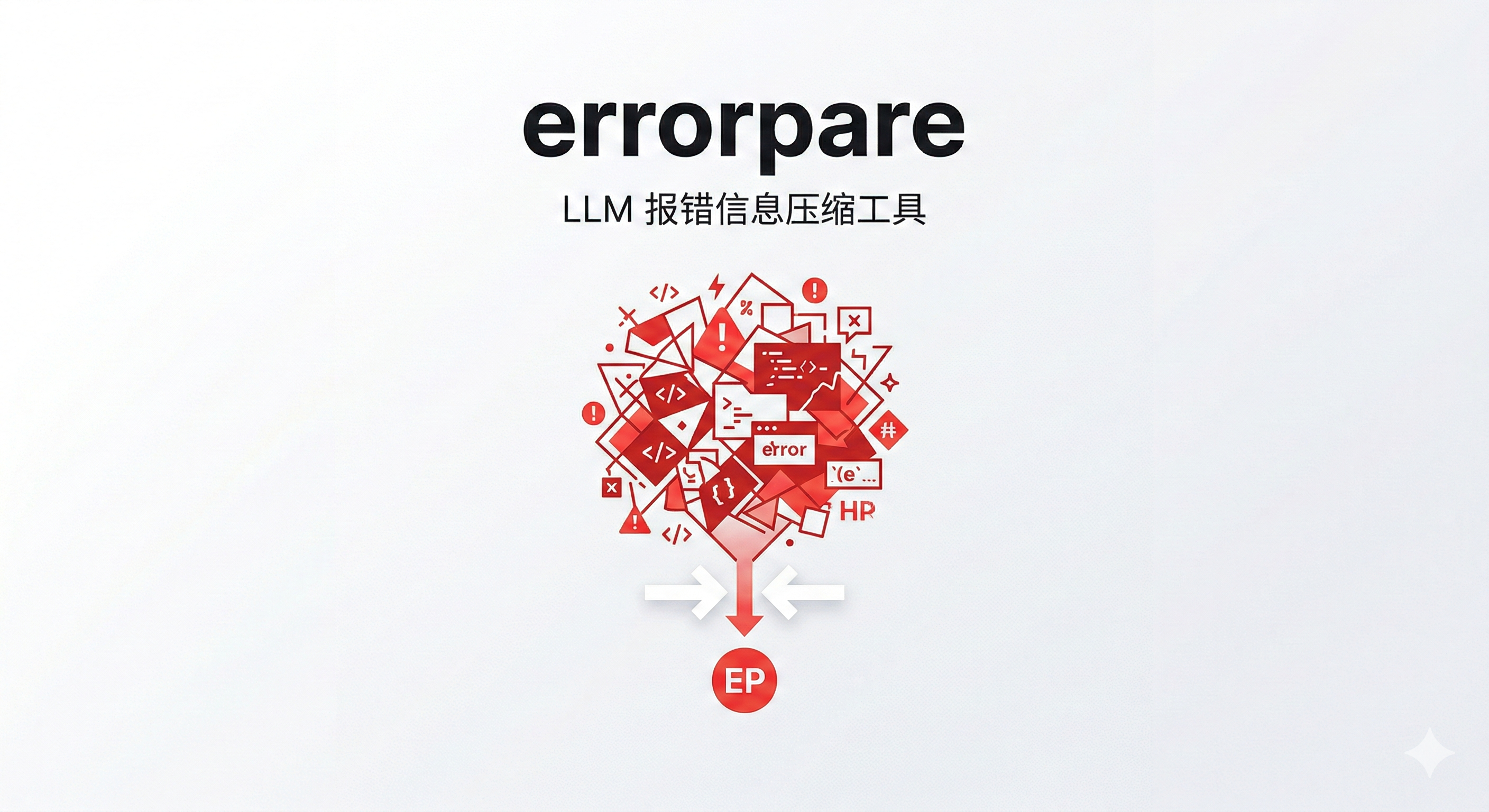


ErrorPare is a CLI and MCP server for AI-assisted debugging workflows.
It sits between a failing command and the model, then turns raw stderr into a smaller and more actionable payload by:
- merging repeated errors
- collapsing third-party frames
- restoring JavaScript and TypeScript stack traces through source maps
- attaching nearby code context
- returning stable JSON for downstream agents and tools
- optionally adding lightweight LLM analysis
Why it exists
Modern coding agents are good at reasoning once they see the right signal, but most real-world stderr is full of duplicate traces, bundled file locations, and application log noise.
ErrorPare is designed to improve the quality of what you send into Claude, Cursor, Codex, MCP clients, CI bots, and other debugging pipelines.
Features
- Smart error deduplication with occurrence counts
- JavaScript and TypeScript source map restoration
- Optional code context snippets around failing lines
- Stable JSON mode for downstream automation
- Optional LLM-based root cause analysis
- MCP server for Claude Desktop, Cursor, and other MCP-compatible clients
Install
Prerequisites:
- Node.js 18 or newer
Install globally:
npm install -g errorpare
Or run with npx:
npx errorpare --help
Quick start
Compress the output of a failing command:
errorpare run "npm run build"
Return pure JSON for downstream agents:
errorpare run "npm run build" --json
Attach code context and request analysis:
errorpare run "npm run build" --json --analyze --context-lines 5
Compress an existing log file:
errorpare compress errors.log --json
Read error text from stdin:
cat errors.log | errorpare compress - --json
What the JSON includes
The JSON interface is intended for machine consumption and currently includes:
- execution metadata
- compression statistics
- merged error entries
- source-mapped locations when available
- optional code context
- optional
llmAnalysis - explicit analysis status metadata
Example shape:
{
  "mode": "analyze",
  "success": false,
  "exitCode": 1,
  "compression": {
    "originalLines": 26,
    "compressedLines": 1,
    "rate": 0.6667,
    "uniqueErrors": 1,
    "sourceMappedFrames": 4
  },
  "errors": [
    {
      "count": 3,
      "type": "Error",
      "message": "CRM payload contract violated: billing contact must expose at least one deliverable email after enrichment",
      "location": "src/services/invoice-recipient.ts:13:10",
      "originalLocation": "dist/nightly-invoice-sync.js:13:11"
    }
  ],
  "analysis": {
    "requested": true,
    "configured": true,
    "attempted": true,
    "succeeded": true,
    "provider": "deepseek",
    "model": "deepseek-chat",
    "error": null
  }
}
LLM analysis
You can configure analysis interactively:
errorpare init --analyze
In an interactive terminal, errorpare init --analyze now launches the embedded model-catlog-builder onboarding flow for the providers ErrorPare can execute today. The selected provider, model, and validated API key are written back into ErrorPare's own config automatically.
Generated onboarding state is stored under:
~/.errorpare/model-catalog/
That runtime directory includes:
- a seeded catalog snapshot for ErrorPare
- a tenant-scoped routing config
- encrypted provider credentials
user-model-profile.jsonfor app-side inspection
If you pass a provider that ErrorPare supports but the embedded onboarding does not yet cover, ErrorPare falls back to the legacy environment-variable setup path.
Or set provider-specific environment variables directly:
ERRORPARE_OPENAI_API_KEYERRORPARE_ANTHROPIC_API_KEYERRORPARE_DEEPSEEK_API_KEYERRORPARE_MOONSHOT_API_KEYERRORPARE_BAILIAN_API_KEYERRORPARE_GROQ_API_KEYERRORPARE_GEMINI_API_KEY
MCP server
ErrorPare ships with an MCP server entrypoint:
errorpare-mcp
Available tools:
run_commandcompress_errorsanalyze_errors
MCP documentation:
GitHub Action
ErrorPare also ships with a first-party GitHub Action for CI use cases:
- name: Run build through ErrorPare
  id: errorpare
  uses: DrPei12/errorpare@v2.1.0
  with:
    command: npm run build
    context-lines: "5"
Action outputs include:
json-pathsuccessexit-codeerror-countanalysis-succeeded
See GitHub Action docs for a full workflow example and LLM analysis setup in CI.
Supported languages
Current parser support is strongest for:
- TypeScript and JavaScript
- Python
- Go
- Java
- Rust
Other languages may still compress well as generic errors, but parser quality is not yet at the same level.
Project status
ErrorPare is actively maintained and already useful for:
- local AI debugging workflows
- machine-readable JSON pipelines
- CI failure summarization
- MCP-based tooling
The project is still evolving in a few areas:
- noise filtering heuristics
- provider and model management
- deeper CI and PR integrations
Development
Install dependencies:
npm install
Run checks:
npm run check
Build the project:
npm run build
Contributing
Issues and pull requests are welcome.
- Read the contributing guide
- Review the code of conduct
- Report vulnerabilities through the security policy
- Check the roadmap
- Pick a task from good first issues
Documentation
License
MIT. See LICENSE.